



How the Raccoon 2 SE’s Advanced App Settings Put You in Control: Cutting Height, Scheduling & Automatic Zone Management
Nathan L. - 2025/12/26
Mowing with the App is like being your own barber. A precise fade on the sides, a clean trim on top. But instead of hair, you're customizing every section of your lawn with exact measurements to match your preferences.
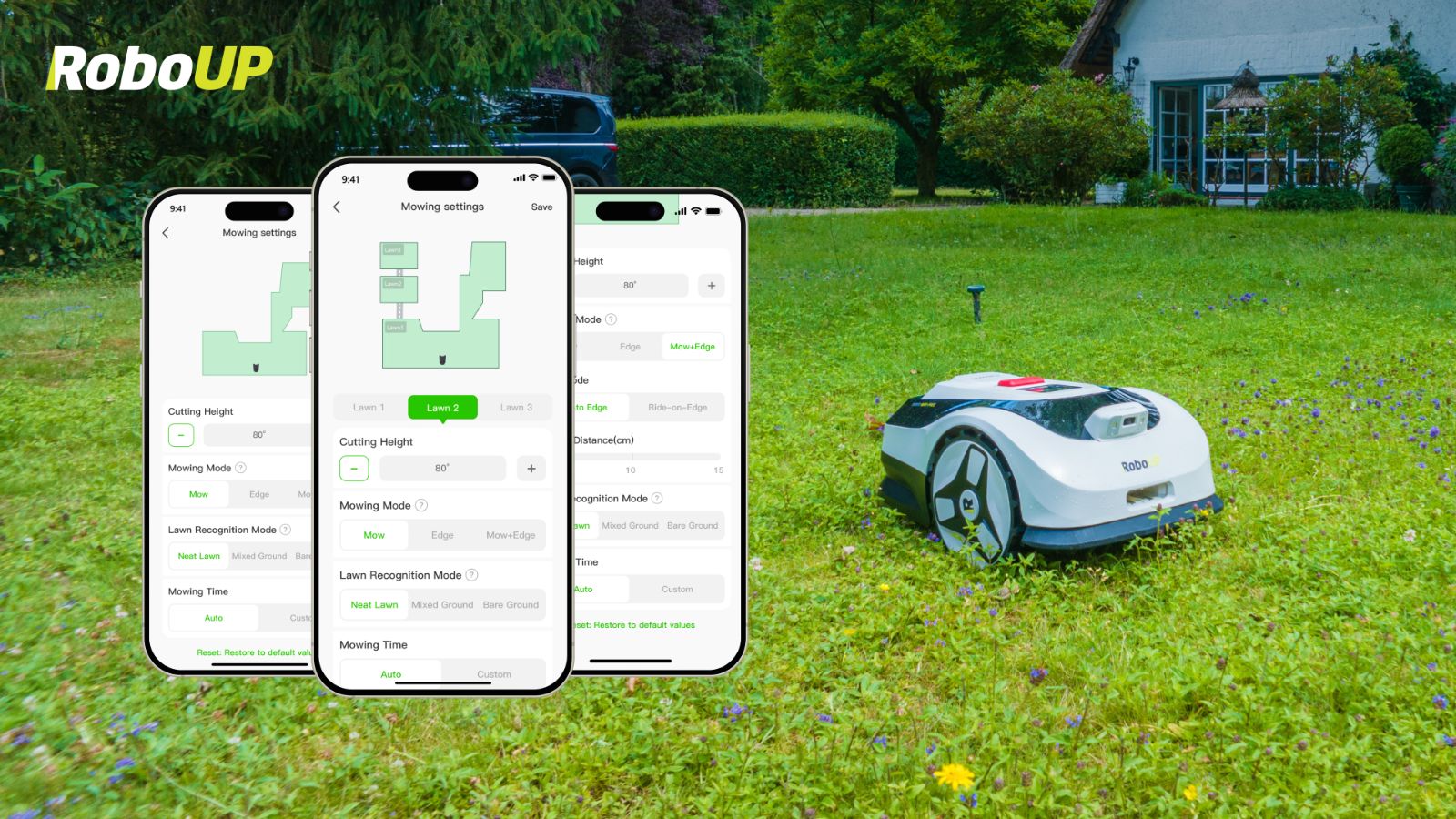
This is what we mean by giving you full control. But keep in mind, the App is optional. The Raccoon 2 SE can start mowing right away. Using the App, however, unlocks advanced features where you can schedule mowing sessions for each zone, adjust cutting heights, and let the mower take care of everything automatically based on your preferences.
Adjustable Cutting Heights for Every Lawn Zone
The Raccoon 2 SE allows you to set cutting heights between 30mm to 80mm (1.1-3.1 inches). With the App, you can assign a specific cutting height for each area in your garden.
For example, if you have 3 zones, you can set zone 1’s cutting height as 35mm, zone 2 as 50mm and zone 3 as 70mm. The mower will automatically adjust to these sections, giving you the power to customize different areas with different settings.
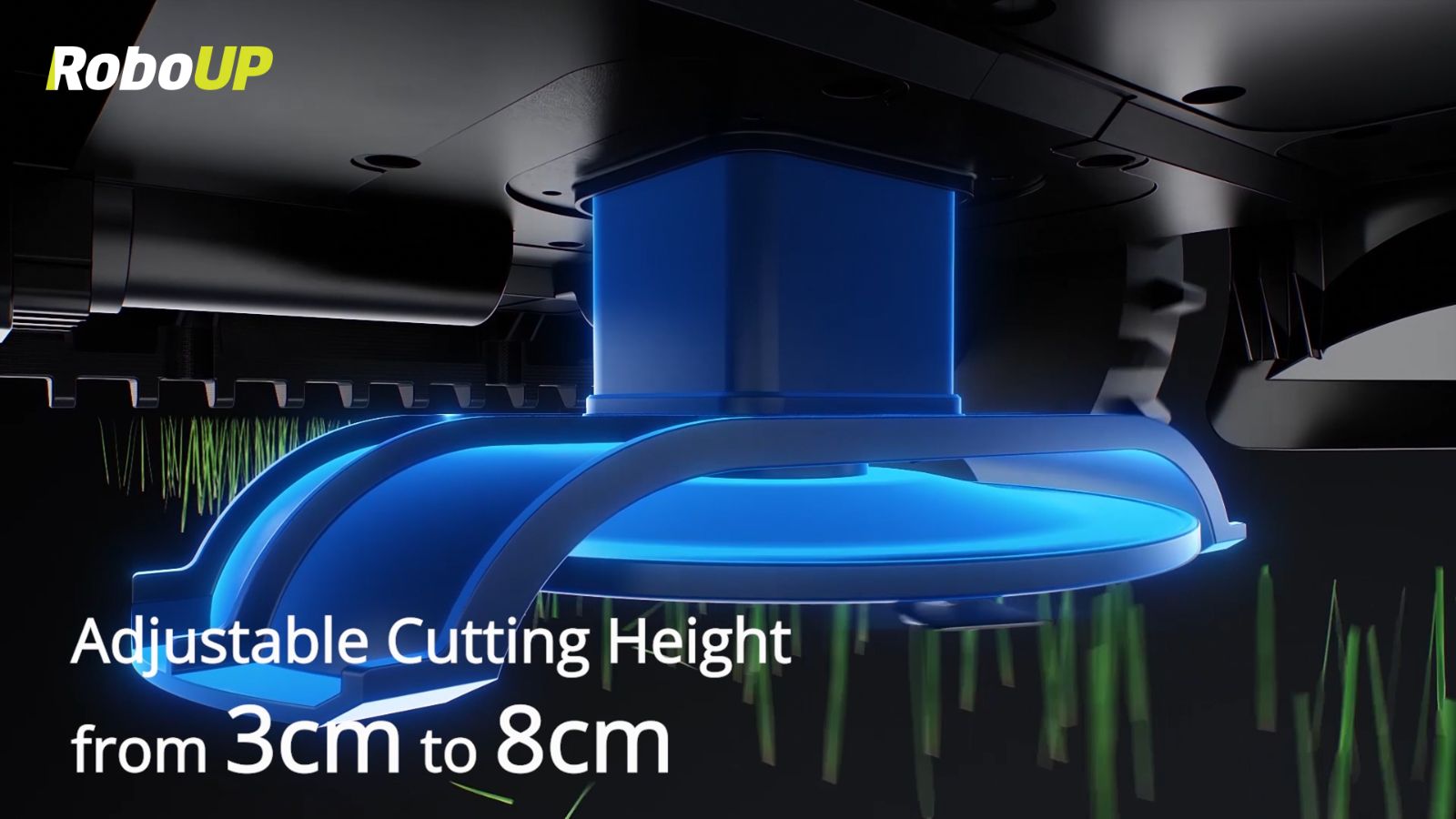
This ensures each part of your lawn gets the perfect cut based on grass type, sunlight, shade, and growth rate.
Automatic Height Adjustment Between Zones
Once your Raccoon 2 SE moves from Zone A to Zone B, it automatically adjusts the blade height to the preset target for that area. This smart feature saves you time and energy so that you can enjoy smart mowing whilst saving time.
Scheduling Made Easy
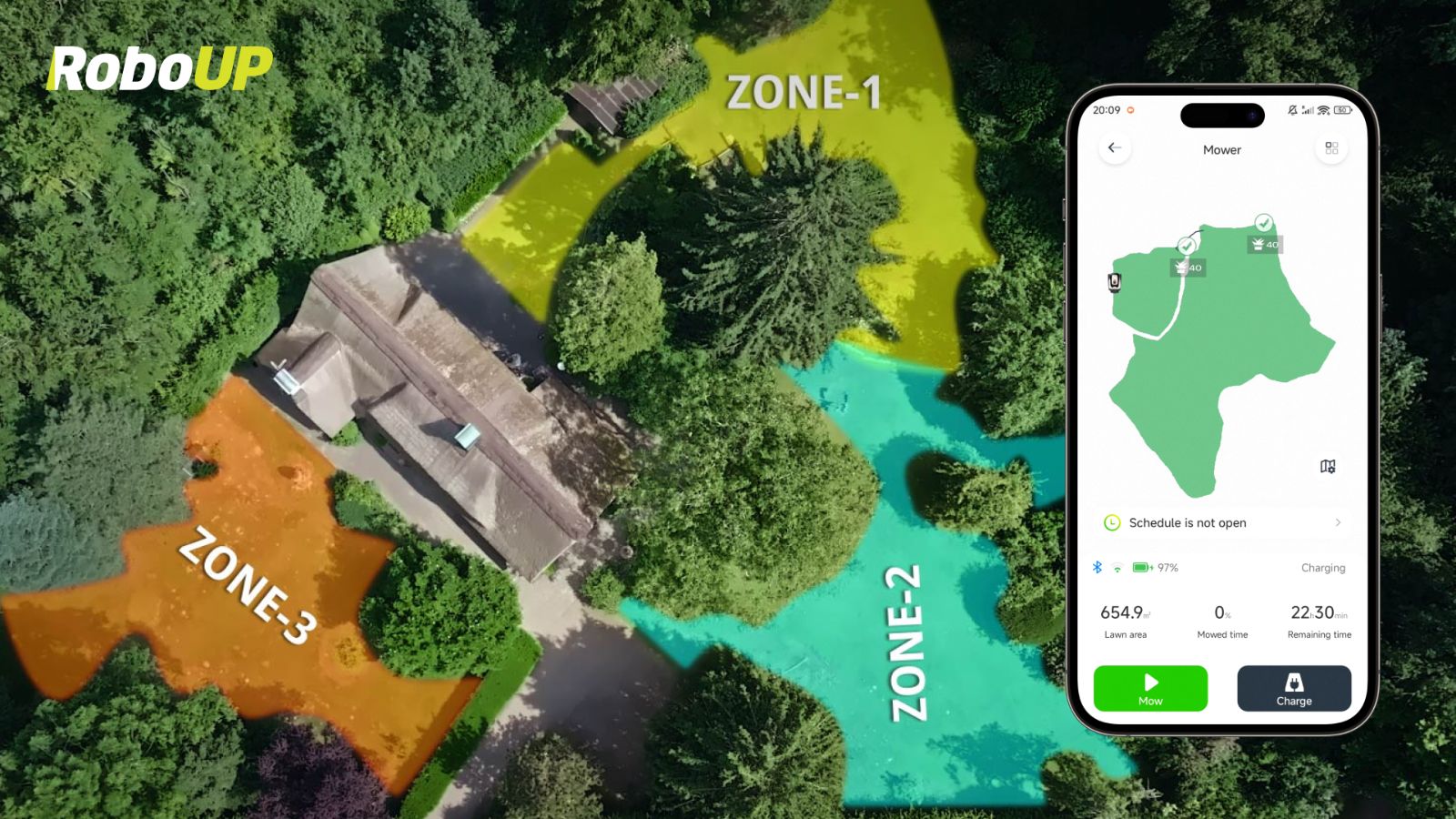
The App's scheduling feature lets you schedule mowing times for each zone. You can pick different days, set different times and cutting heights for different parts of your lawn.
For example, your preset may look something like this:
Zone A: Mondays at 8 AM, 30mm cutting height
Zone B: Fridays at 7 PM, 40mm cutting height
All you need to do is set it once, and the mower handles the rest. It remembers the height and timing for each zone automatically, giving you more free time while keeping your lawn perfectly maintained.
Why This Matters
By combining precise height control, automatic adjustments, and intelligent scheduling, the Raccoon 2 SE ensures every corner of your lawn looks its best, without any extra work on your part. It’s smart lawn care that truly adapts to your lifestyle.
Back the Raccoon 2 SE on Kickstarter
Now is the perfect time to back the Raccoon 2 SE so that you’re fully prepared for spring! Experience effortless, precise mowing and take your lawn care to the next level. Be among the first to bring the Raccoon 2 SE home for the lowest price in the market.



0
0
Smart Obstacle Avoidance: How Raccoon 2 SE’s AI Vision & Bumper Sensors Keep Your Garden Safe — A Deep Dive Raccoon 2 SE vs Einhell Freelexo Cam 500 vs LawnMaster OcuMow 500 (2026): Robotic Lawn Mower Comparison for Small Lawns

